
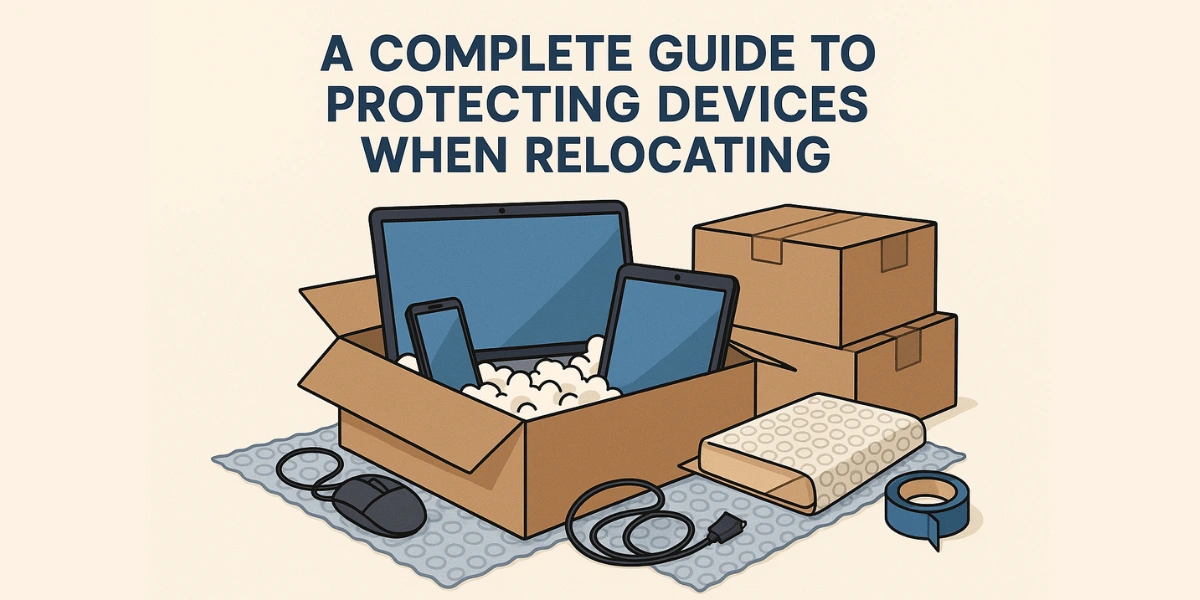
Protecting your electronic devices during a move doesn’t need to be stressful. Moving home involves managing boxes, schedules, and delicate electronics. This guide provides step-by-step, practical tips tailored for the UAE to help safeguard your devices, such as laptops, phones, TVs, and desktops, so they arrive safe and ready to use.
Before the Move
Make an Inventory and Back Up Important Data
Start by listing every device, including its model, serial number, and any accompanying accessories. Back up laptops, desktops, and phones to cloud storage or an external drive before you pack. If something happens during transit, you’ll still have your files. Photograph setups and cable configurations so reassembly is quick and accurate.
Keep Originals When You Can
If you still have original boxes and foam inserts, use them. They are engineered to protect the product and are often the best defense against impacts during transit. If originals aren’t available, choose a box size that leaves 2–3 inches of space on all sides for padding.
Packing Materials and Methods That Work
Use Anti-Static and High-Quality Padding
Electronics are sensitive to static and shock. Wrap devices in anti-static bubble wrap or foam, then add layers of cushioning like foam peanuts or folded foam sheets. Avoid using newspaper directly against screens; ink can transfer and cause marking.
One Device Per Box, Properly Packed
Never cram a TV, monitor, or desktop with other heavy items. Wrap each device individually and secure loose items (such as remote controls, stands, and adapters) in labeled zip bags that are taped to the inside of the box lid or to the device itself. Fill voids so the device will not shift.
Special Care for Screens
For TVs and monitors, place cardboard corner protectors around the frame, cover the screen with a soft cloth, then wrap it in bubble wrap. Transport screens upright; laying them flat increases the risk of pressure damage.
Device-Specific Instructions
Moving Tips for Laptops and Phones
Shut down, remove external SD cards, and tape small batteries separately (if required by the device manual). Place phones and laptops in their padded cases or anti-static wrap, then into a small, clearly labeled box. Keep at least one charged device with you; you’ll need it during the move.
Transporting Computers and Tablets Safely
For desktop towers, remove long cables and peripheral cards if advised by the manufacturer. Wrap towers in cushioning and place them vertically in snug boxes. Tablets should be wrapped in anti-static material, just like phones, and boxed individually. Consider removing heavy internal components (high-end GPUs) if you are comfortable doing so.
Safe Packing of Fragile Electronics
Disassemble entertainment centers and pack consoles, routers, and receivers in small boxes with padding. Label ports and cables with colored tape or numbered tags to speed reassembly. Keep essential AV components together to prevent misplacing small connectors.
Labeling, Documentation, and Handling
Clear Labels and Handling Instructions
Mark all electronics boxes “FRAGILE and ELECTRONICS” and note “This Side Up” where relevant. Add a short inventory on the box exterior (e.g., “Laptop: 1, Charger: 1, HDMI: 1”) so movers and family know what’s inside without opening every box.
Keep Essentials with You
Carry valuables and indispensable electronics (such as phones, digital copies of passports, and an emergency laptop) in a personal bag rather than the van. If you must transport sensitive equipment in the vehicle, ensure that items are securely fastened and not stacked under heavy gear.
Temperature, Moisture, and Transport Considerations

If electronics have been in an extreme environment (hot UAE sun or cool, air-conditioned storage), allow them to reach room temperature before powering on. Sudden temperature changes can create condensation inside devices, which can risk short circuits.
For high-value items, use moving services that offer electronics-specific protection or insured transport. If self-moving, pack electronics low and central in the truck to reduce movement and impact. When hiring local help, confirm that the crew has experience with fragile items.
Final Checklist Before You Close the Door
- Backups completed and verified.
- All batteries and SIM cards were removed where needed.
- Accessories in labeled bags are attached to the corresponding boxes.
- Boxes sealed, labeled, and recorded on the inventory list.
- Essential devices are packed in a personal carry bag.
Taking Help from Professionals
If you’re wondering how to pack gadgets safely for relocation, remember that good supplies and a calm, organized approach make the difference. For UAE moves, consider us for reliable help with large or fragile items.
FAQs
Final Thoughts
Moving doesn’t need to be the moment your devices stop working. With precise planning, the correct packing materials, careful labeling, and the simple habit of backing up data, you can ensure device protection in home relocation and preserve your gadgets through any move. Follow the device-specific steps above, keep essential electronics with you, and use insured transport for high-value items.
For vehicle options to safely move larger electronics across town, understanding how to pack electronics for moving is essential. A pickup truck rental from Tawheed Pickup Rental can simplify the transport stage while reducing handling risks. Safe move, and here’s to a smooth setup in your new home.
